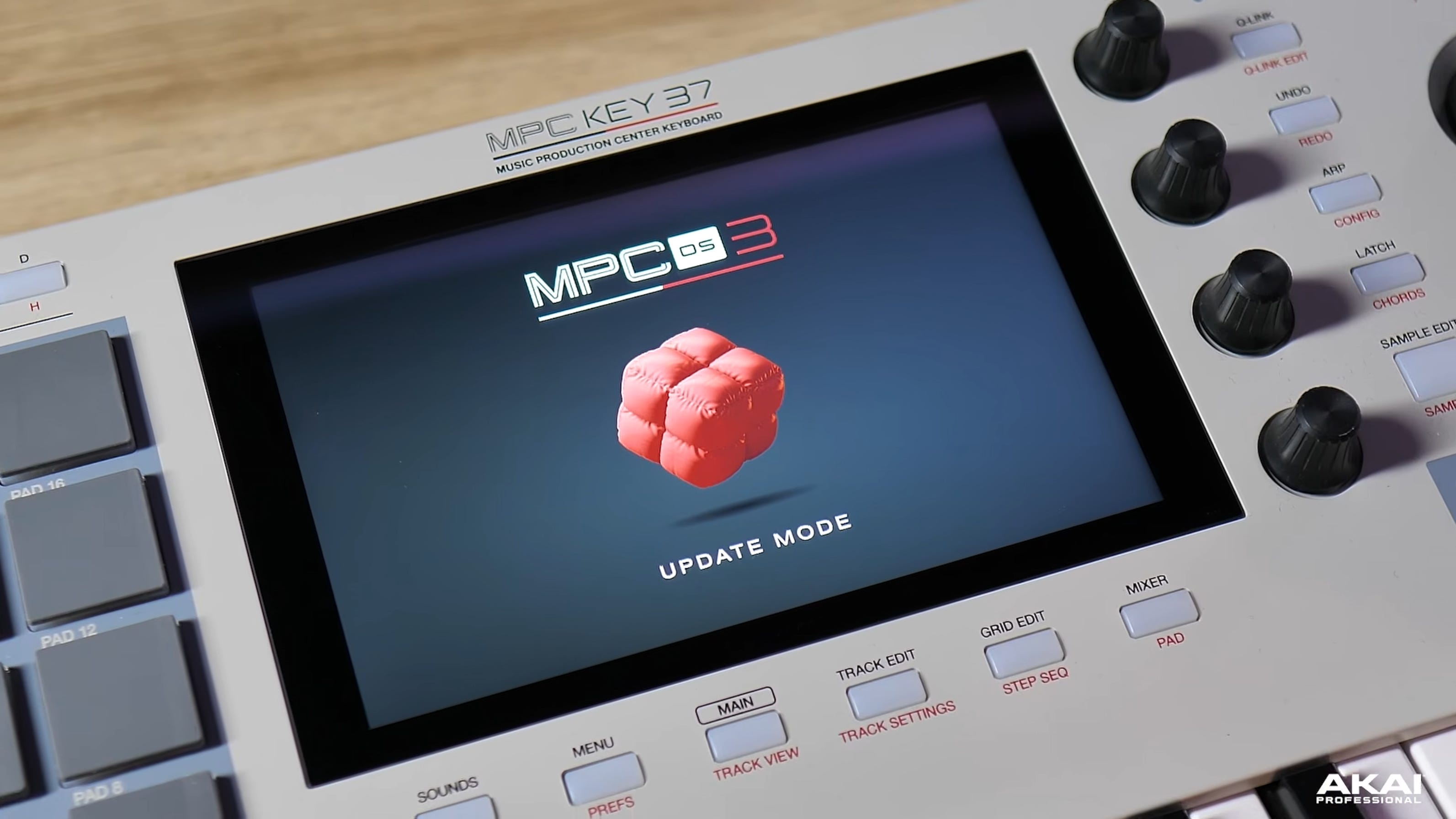
What's up, lab crew! It's official: Akai is fully embracing the open-source plugin community, and there’s no turning back. from posting their their repos on github to now shipping an OS that fully embraces modding a new era in open source has arrived. Let’s break down exactly what Akai is doing and where we think this is headed.
So for some testers, this has been out a while, so expect a slew of new plugins over the next couple of weeks. (including ours 🫡)
MPC OS 3.10.1 released on Nov 12, 2026, fully enables new possibilities on the MPC Operating System that weren’t available before.
Mostly everything from MPC 3.10 remains the same, except for the new “enhancements” tab in the preferences, which opens up the MPC to development tools, mouse support, and other features we’ll cover later.
The most major release is the MPC Plugin SDK (software development Kit). This is an open SDK for custom instruments and effect plugins
Users can now develop their own custom plugins for the MPC hardware, or download existing plugins from the now 227-deep plugin community repository!
This makes the entire Hakai initiative supported by AKAI!
Shown in Akai’s preview videos is a custom granular synthesizer for the MPC OS built by Loopop.
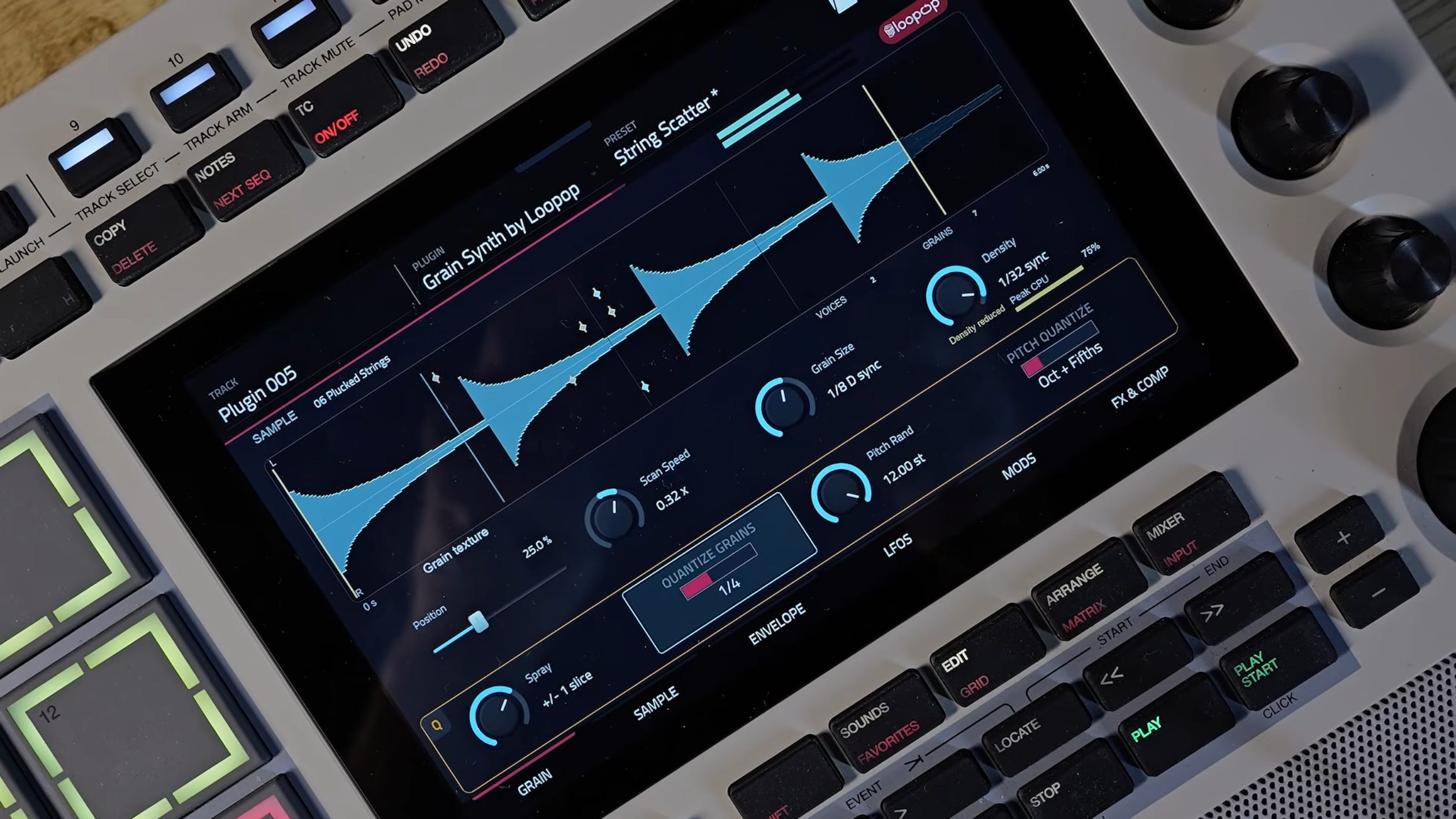
While the MPC itself is not becoming open source, the SDK is the officially supported pathway for developing custom plugins, just not an open-source OS
If you’ve spent any time in the MPC forums, mouse support has been a topic of discussion,
Well, now it’s possible
If you've got a Bluetooth keyboard with a mousepad or a bluetooth/wired mouse, you can now connect the device to control the standalone interface with a pointer.
Additionally, saving screenshots is possible
. Screenshots will now save as PNG files to the internal drive or attached Hard drive.
MPC OS 3.10.1 now removes audio and plugin track limits while maintaining the overall device 128 track limit. Meaning, if you desire, you can pull up 128 audio or instrument tracks. Just as long as your RAM can handle it.
nwo there are some people who haeve modded their machines to take more RAM, this aslo begs theq uestion will the Akai forece and other MPC devices have removable RAM? that would be a GAME CHANGER.
These limits don’t come at a cost,
If your project cannot load all of the tracks, then they will be lost, so it’s important to export your work before saving,
you may not get it back
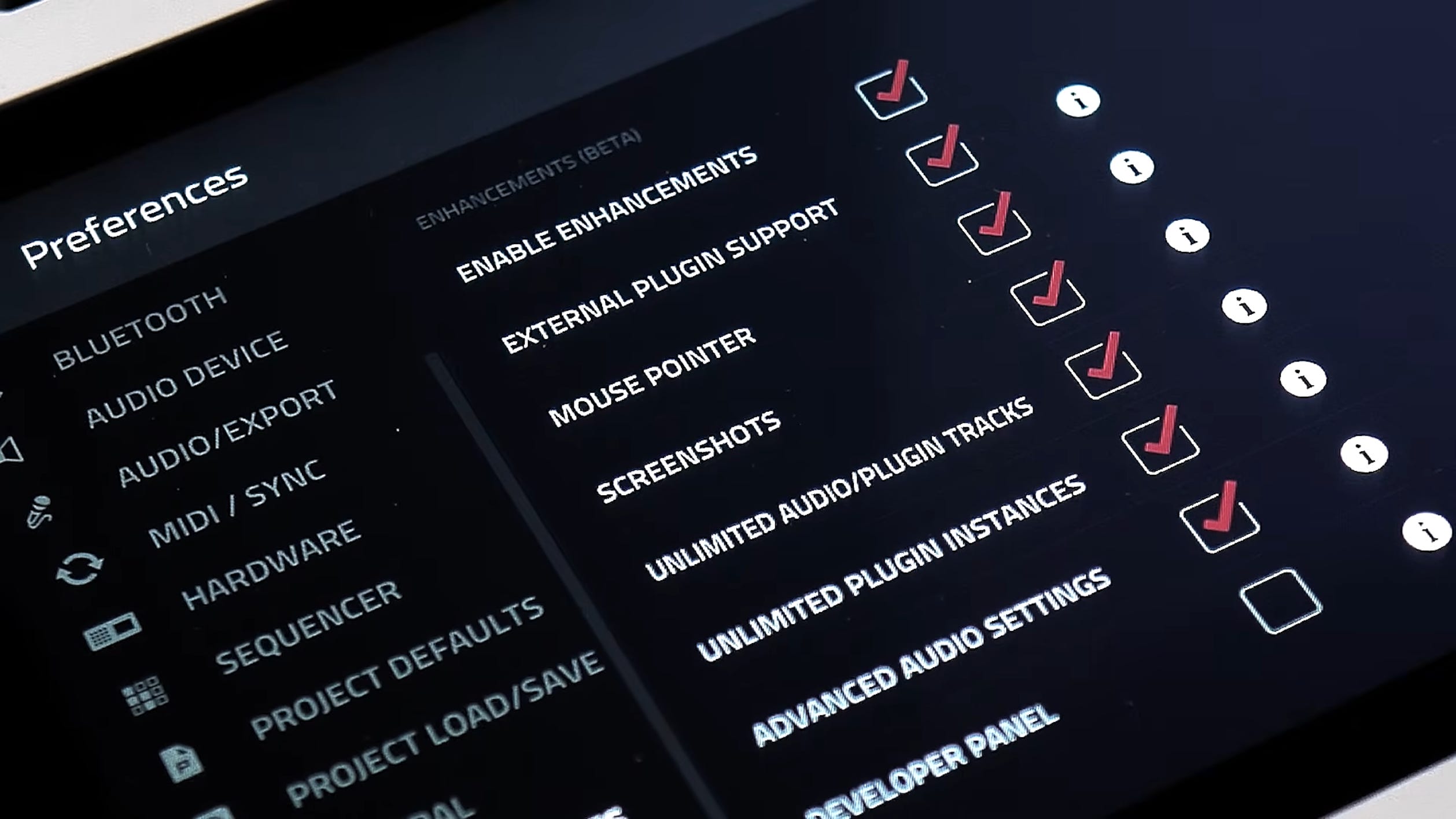
Remote screen control, hardware video and audio streaming are single-handedly going to improve the experience we’re able to deliver here at Practical Audio Lab.
Having the ability to showcase the screen during video tutorials will definitely bring a new level of content to the blog.
Alongside this, there is access to the developer panel, where system logs, resource monitoring, voice statistics, and external plugin management are all accessible for developers.
Akai has also given access to some advanced audio settings like buffer size, latency compensation, and sample rate (when supported by hardware)
This is especially important for plugins developed with 96k in mind, or when recording hardware.
Finally, we can get rid of that latency buffer when recording audio.
No, the MPC OS is not open source as of now,
BUT
with what they’ve released on GitHub and the new update, there are some pretty powerful tools for building your own custom VST’s and understanding the environment underneath the MPC
The official SDK is the route for custom plugins, completely distinct from Hakai
No — MPC OS is not becoming open source right now (Synth Anatomy).
The inMusic GitHub repo az0x-open-source (Nov 4) holds the Linux environment underneath the MPC/Force, not the MPC OS.
The SDK is the official route for custom plugins — distinct from Hakai (community firmware mod) and from open-sourcing the OS.
What this means for MPC, Force G1 and G2 users is that the community plugins project officially has Akai's backing.
If you want to try out some supported plugins, Hakai is the community route,
MPC 3.10.1 is the SDK-supported route.
Over the past couple of weeks, we’ve been working on some plugins that we would love to release to our supporters.
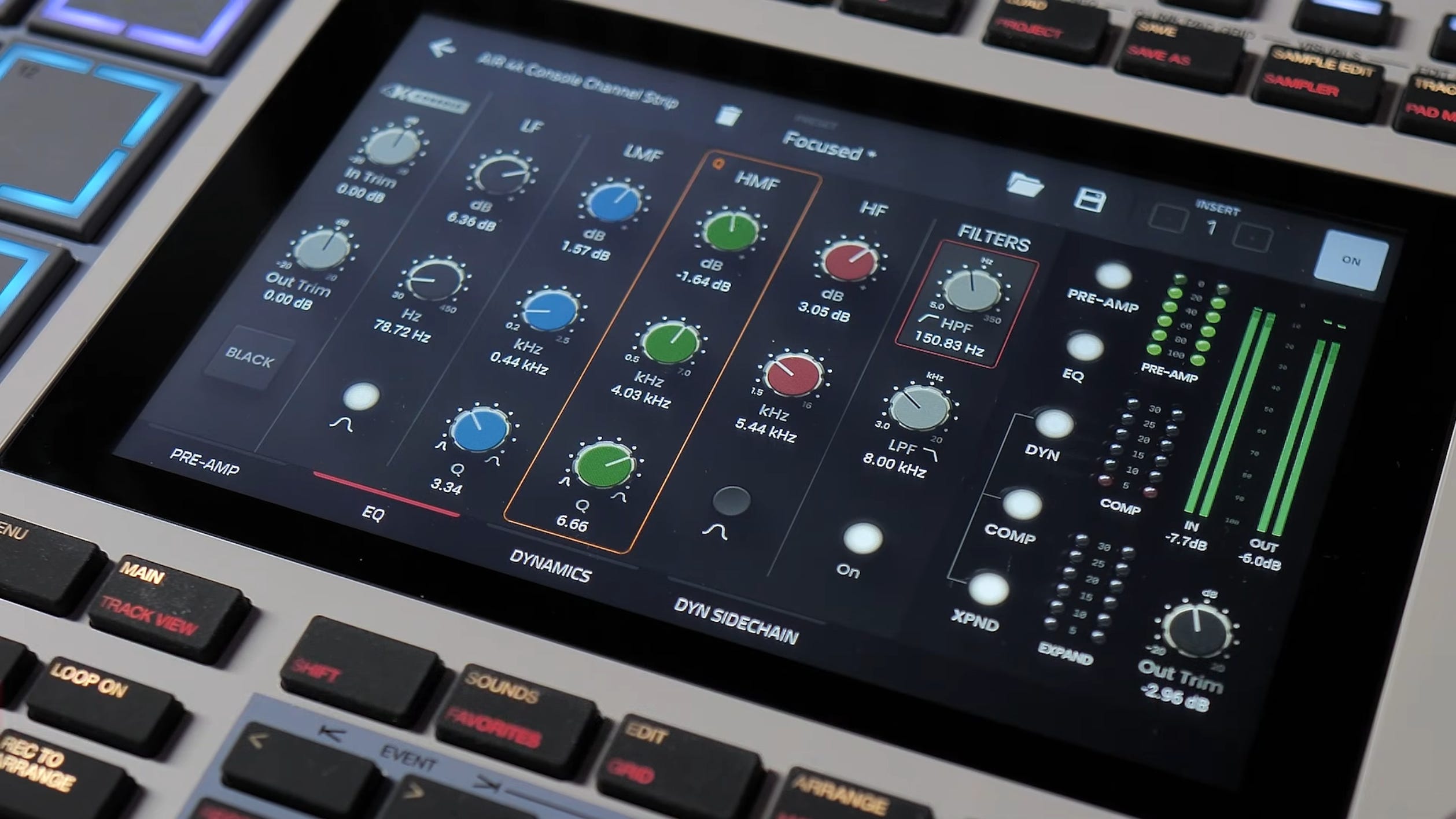
So stay tuned.
We’ve been building up to this moment for a few years now, and we couldn’t be more excited to share with you what we’ve been working on.
High-quality tutorials, free plugins, sample packs, and deep dives into how to create your own custom plugins for the MPC/Akai Force system.
Thank you, Lab Crew
THank You Akai
This is just the beginning.
Loopops AMAZING video on all the features..