Where it runs, and what stays on
Who runs your workload
OpenShipOpenShip Cloud runs it, or self-host free on machines you own. One tool, one dashboard, and you can move either direction later.
ManagedThey run it, and run it well - but managed-only. There is no version you can host yourself.
Self-hostTheir cloud hosts only the control panel. You still bring, run and pay for every server.
What has to stay switched on
OpenShipA native Mac, Windows and Linux app. The control plane runs on your machine only while the app is open - no extra box to keep alive just to deploy.
ManagedNo desktop app. Everything runs in their cloud, all the time.
Self-hostNo desktop app, and a control-plane server that has to stay up around the clock.
Where your source code travels
OpenShipFrom the desktop app, your folder or repo goes straight to the machine that will run it. Nothing always-on sits in the middle holding your code.
ManagedUploaded to their cloud and built there.
Self-hostLands on a long-lived control-plane box first - even when that box is your own.
Email from your own domain
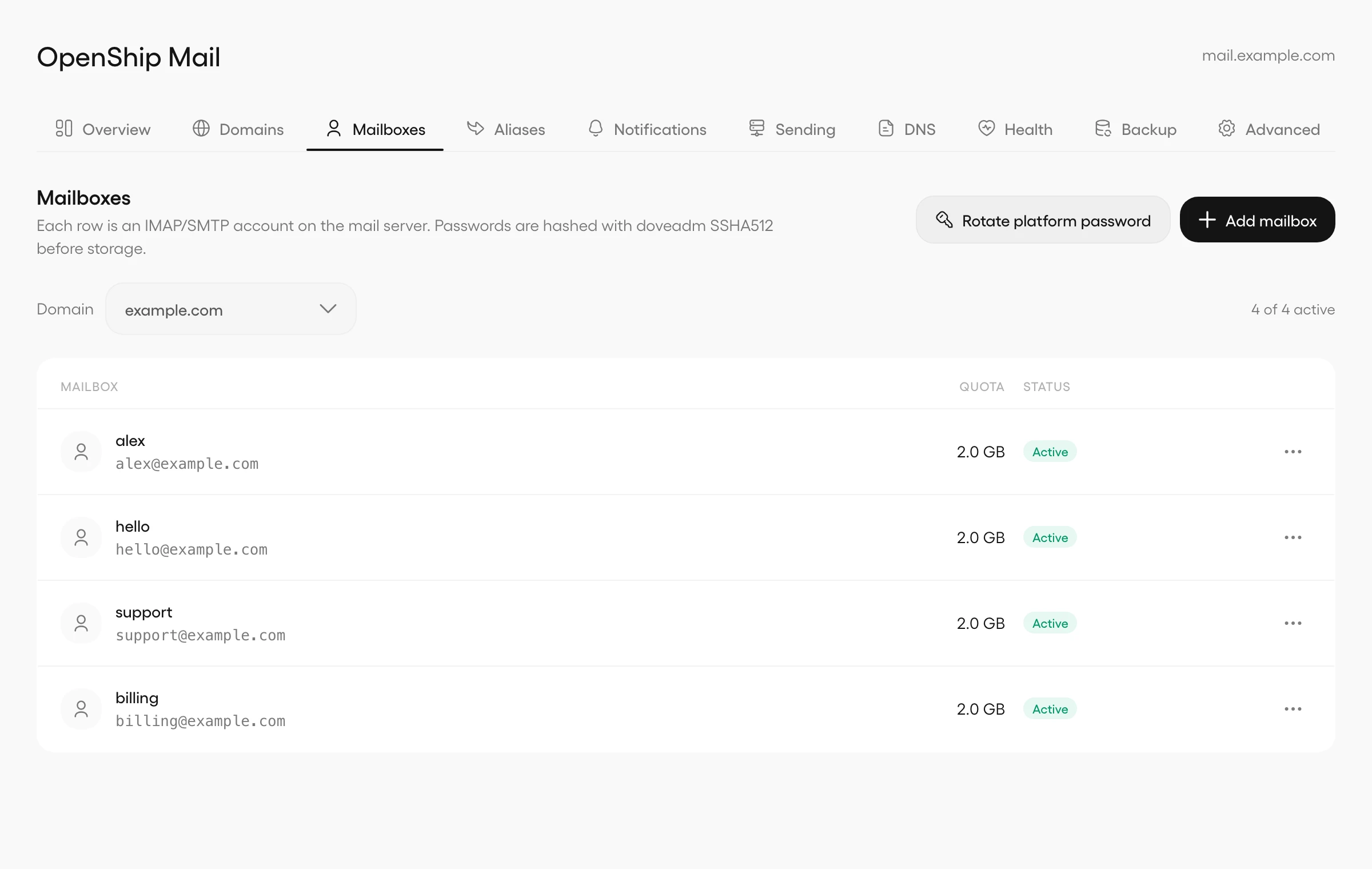
OpenShipA real mail server, set up for you: mailboxes, webmail, the SPF/DKIM/DMARC chain, and sending through SES or your own SMTP.
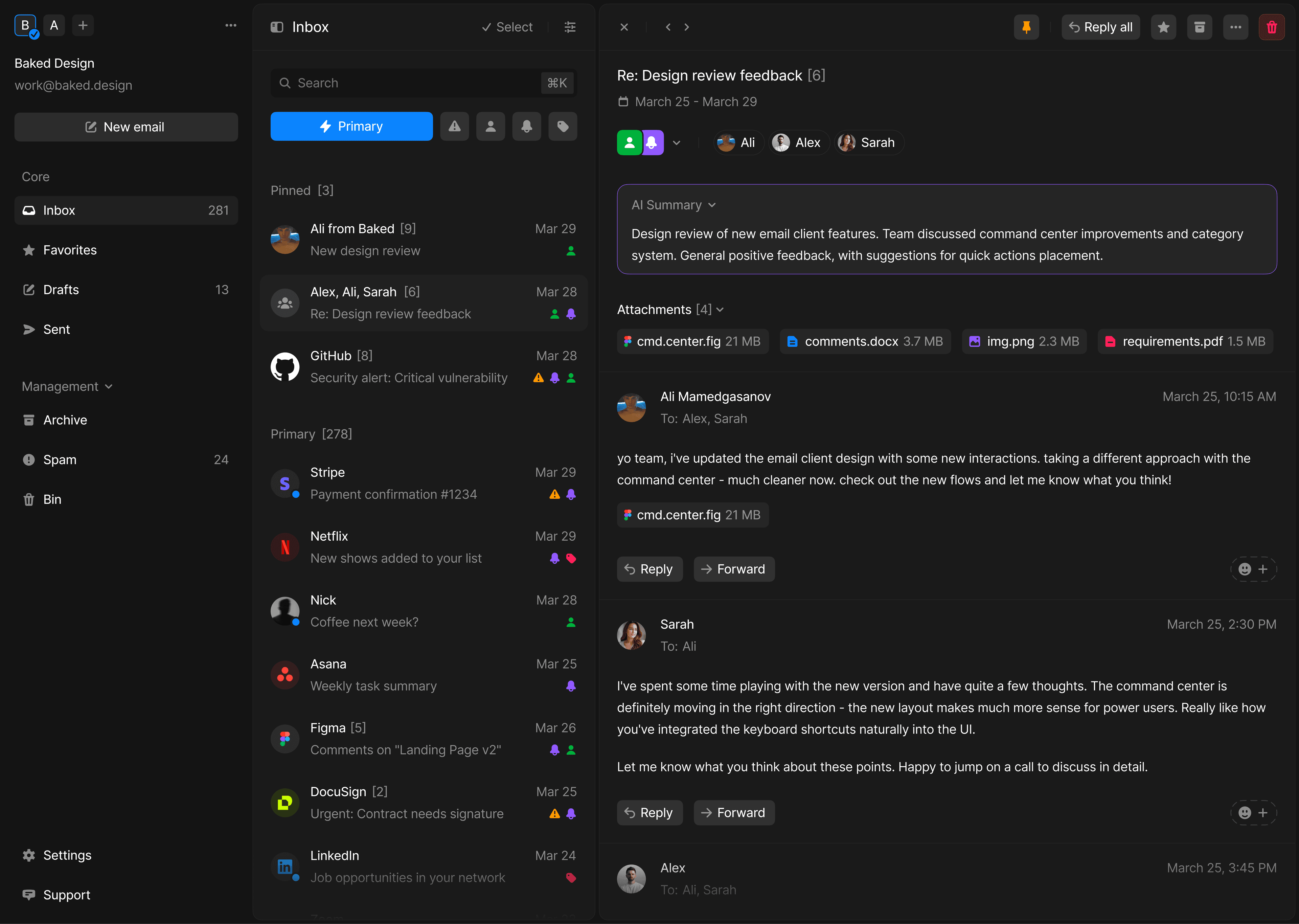
ManagedNot included. Add SendGrid, Resend or Postmark and pay per message.
Self-hostNo managed mail server - you run the image and wire up the DNS chain yourself.
Traffic rules at the edge
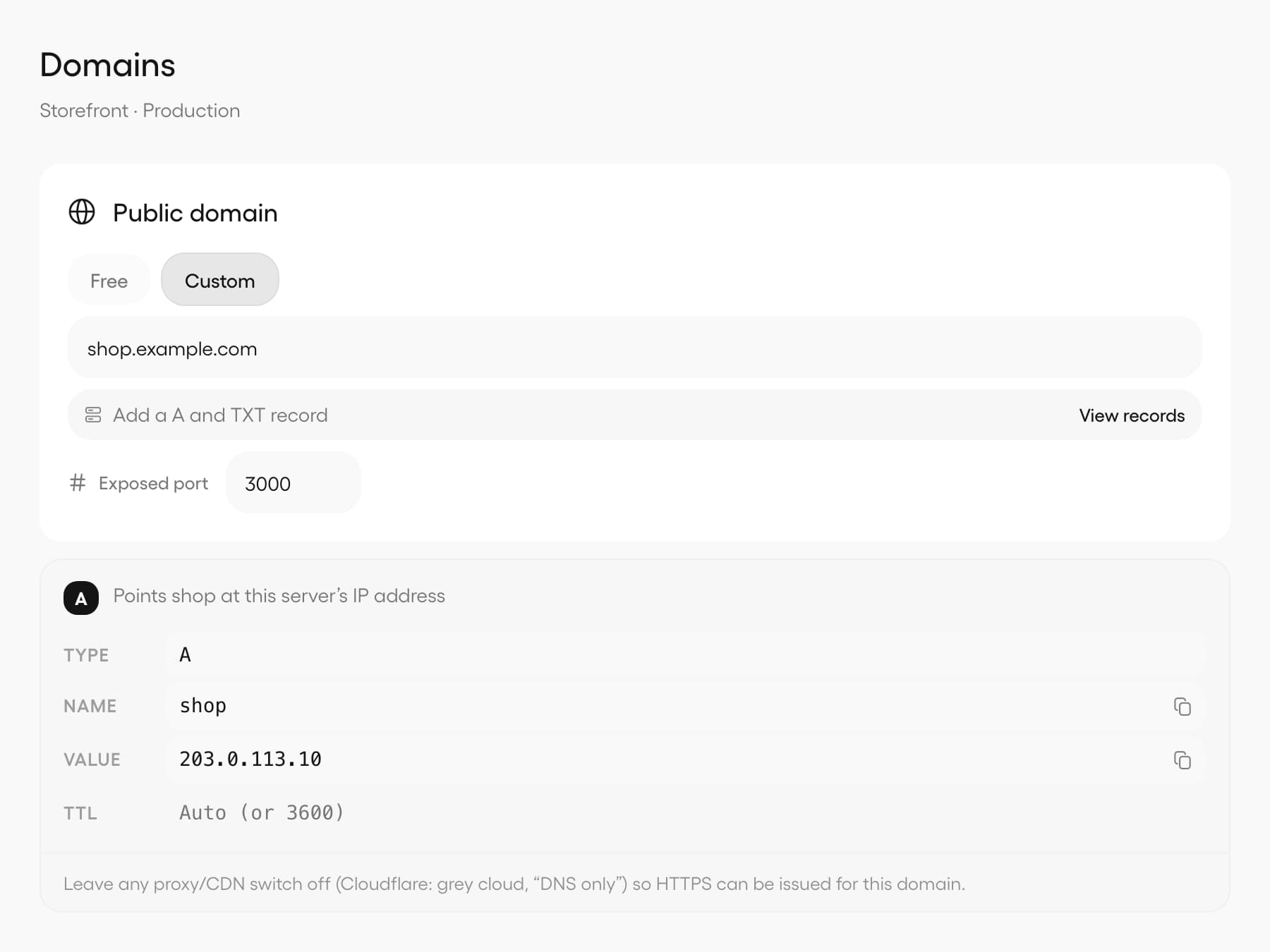
OpenShipRate limits, country / IP / user-agent blocks and hotlink protection, set per route from the dashboard and applied without a reload.
ManagedFirewall and rate limiting exist, gated behind higher plans.
Self-hostPossible by hand-writing proxy config; no country rules out of the box.
Who is actually hitting your app
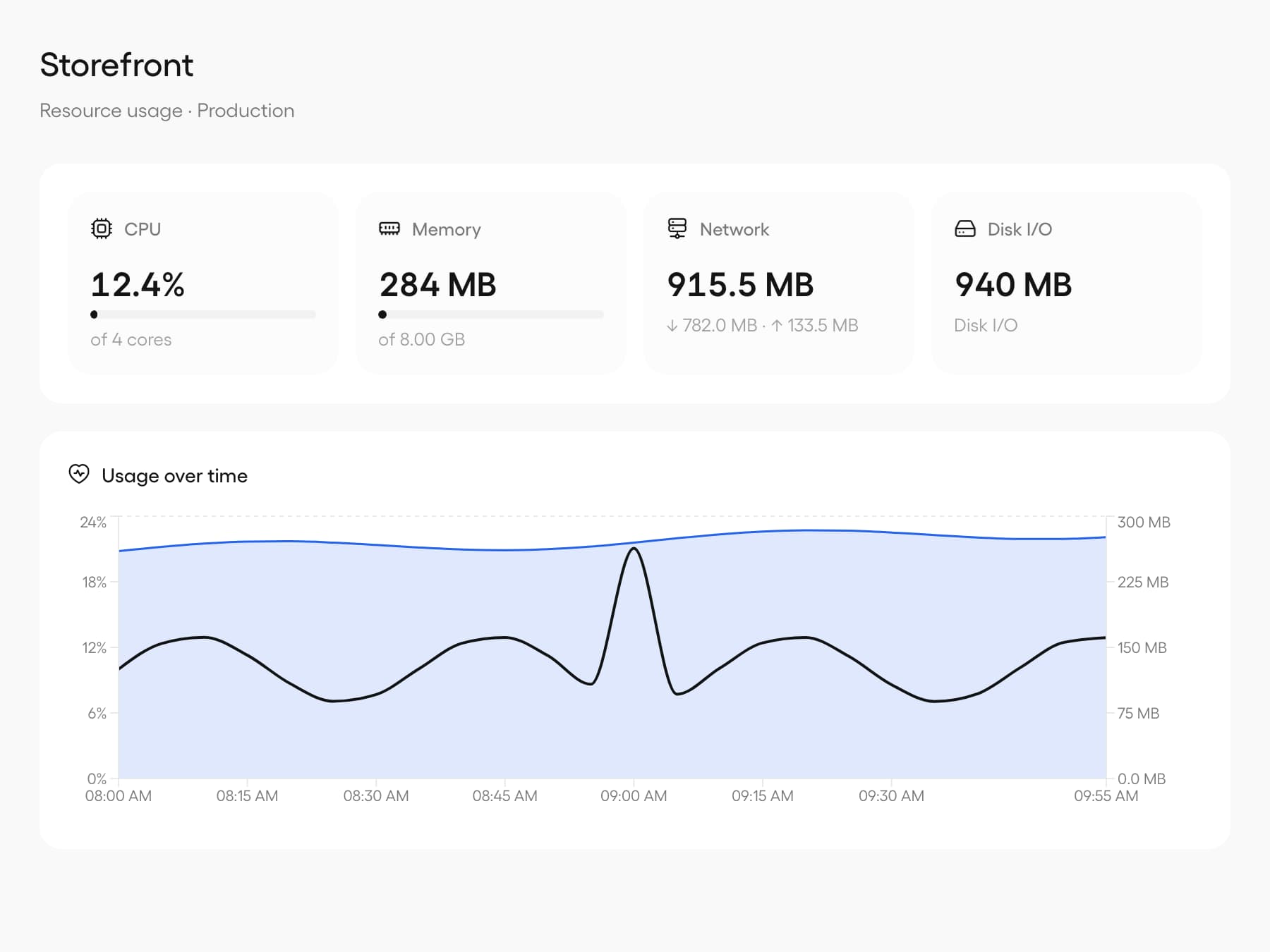
OpenShipPer-route traffic, country breakdown and a live request log, built in.
ManagedStrong analytics dashboards, capped or priced by plan.
Self-hostNot included - bolt on Grafana, Plausible or an ELK stack.
Access control and audit
OpenShipGrant access down to a single project, start teammates at zero permissions, and export a record of every change - on every plan.
ManagedBroad team roles; audit trail and SSO on enterprise plans.
Self-hostBroad team roles only, with little or no change history.
Fits the setup you already have
Servers with things already on them
OpenShipPoint it at a server and it picks up the containers already running there. Nothing is rebuilt, nothing is restarted.
ManagedNothing to pick up - you redeploy from source.
Self-hostCannot take on an app that is already running; you recreate each one by hand.
The proxy you already run
OpenShipCarries on with your existing Traefik, nginx or Caddy on :80 and :443, and the switch is reversible in one step.
ManagedNot applicable - their edge, their rules.
Self-hostClaims the proxy at install and expects to be the only thing on those ports.
Settings that live in your repo
OpenShipopenship.json describes build, env, domains, services and resources - reviewed in a pull request like the rest of your code.
Managedvercel.json and netlify.toml do the same thing.
Self-hostA Procfile or compose file, but domains, env and resources stay dashboard-only.
Moving to a different server
OpenShipMove a running app with its volumes and certificates to another machine, then cut traffic over once it checks out.
ManagedNot applicable - you do not choose the machine.
Self-hostRedeploy on the new box and copy the volumes across by hand.
Leaving OpenShip
OpenShipOn your own servers, removing a project deletes our record and nothing else. Containers, data and config keep serving traffic, and OpenShip can pick them back up later.
ManagedNothing stays behind - the workload only ever existed in their cloud.
Self-hostDeleting tears the app down, and none of them can re-adopt a running app afterwards.