Shelf
Drag a file to the top edge to park it, then drag it into another app.
Nightdrive
Nightdrive is a fast, keyboard-driven Hyprland desktop for Fedora. Thoughtful down to the little details, and easy to make your own.
PCs (x86_64) · Apple Silicon Macs · MIT licence

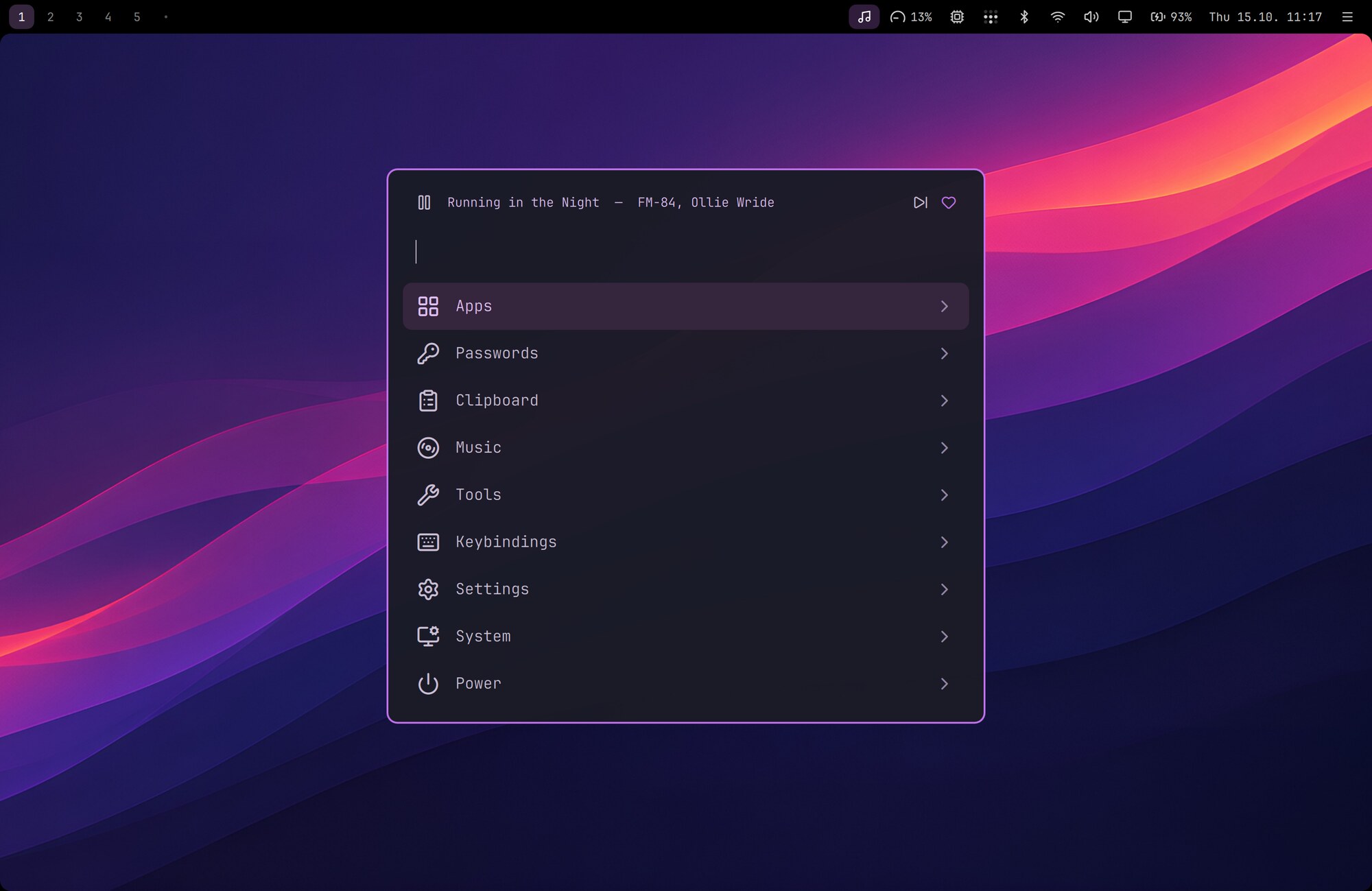
THE LAUNCHER
One search finds apps, passwords, clipboard history, snippets, screenshots, emoji, settings, installs, your music, your smart home's devices… you name it. While music plays, a player row sits on top.
Type a question and press ⌘⌥Enter to send it straight to Claude Code.
CLAUDE WRITES
Select a rough draft or a few notes in any app, a chat, a form, a document or a mail, and press ⌘⇧C. Claude writes it out in a tone that fits the place, in the language you wrote in. With nothing selected, it asks what you'd like written.
Claude writes and Nightdrive's other Claude features need a paid Claude plan, Pro or Max. Everything else works without one.
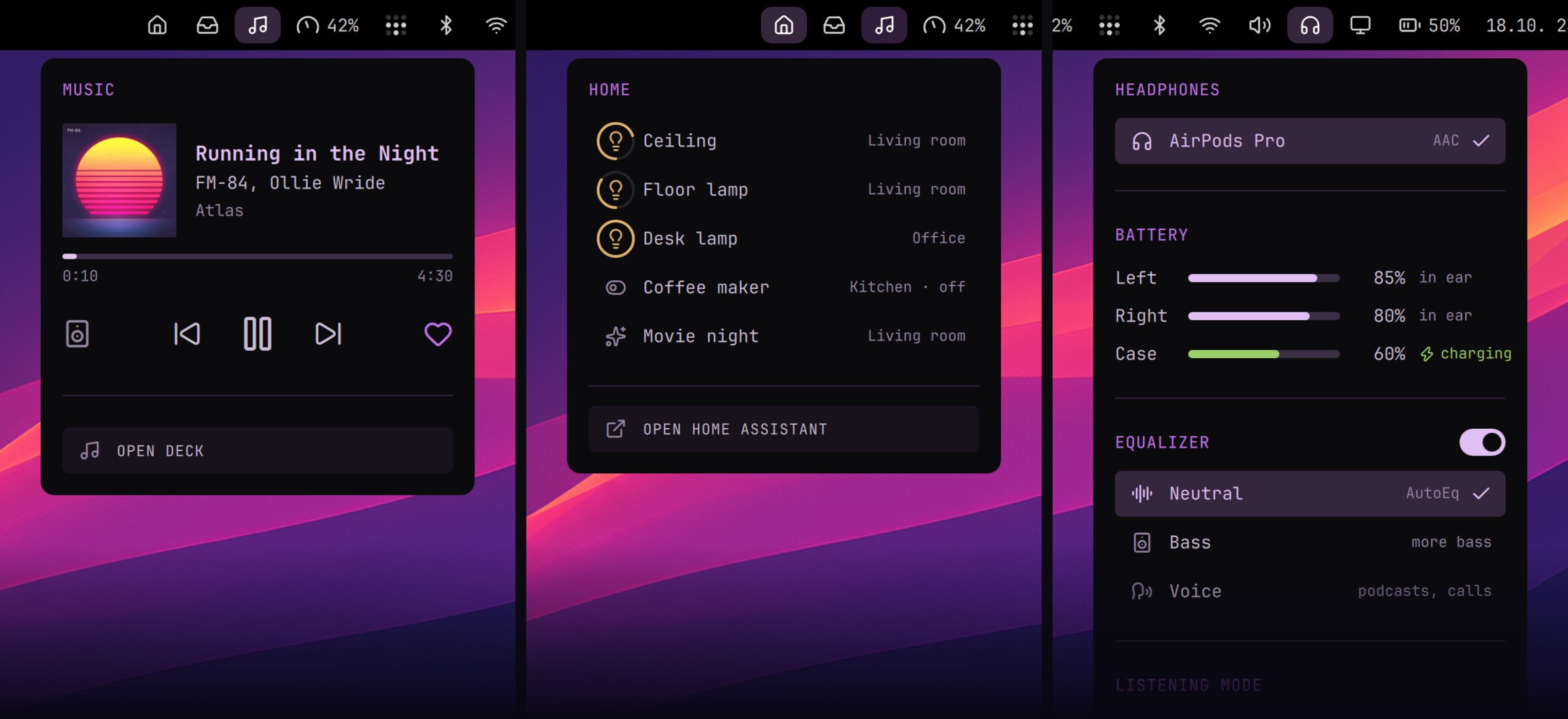
THE TOP BAR
Click an icon and a small menu drops down: sound, Wi-Fi, Bluetooth, battery, headphone EQ, temperatures, the calendar, notifications, even your Claude usage limits. Plugins bring their own: music, Tailscale, your smart home. ⌘⇧Space walks through them with the arrow keys.
NIGHTDRIVE'S OWN APPS
Mail, Contacts, Deck and Ferry come with every install and stay quiet until you set them up, by hand or with Claude in Welcome to Nightdrive. Garage is there when you want it.
HANDS ON THE KEYS
Computers used to be driven from the keyboard, and it was quick and fun. Nightdrive brings that back. ⌘ is the main key: the Windows key on a PC, Command on a Mac (Nightdrive itself shows it as ⌘). Caps Lock becomes Hyper, the app key. These few are worth learning: after a day, you'll rarely reach for the mouse.
⌘SpaceLauncher
⌘EnterTerminal
HyperBOpen the browser
⌘⌥EnterOpen Claude Code in a terminal
⌘DSlide the drawer up
⌘⇧DDrop a window into the drawer
⌘⇧CClaude writes for you
⌘⇧SScreenshot a region to the clipboard
F5Hold to dictate, fully offline
⌘WClose, or hide chat and music apps
And of course they're yours to change: every shortcut lives in one plain file,
config/hypr/bindings.lua. All the shortcuts
THE DETAILS
A drawer for the windows you keep coming back to, dictation that stays on your machine, a shelf for files on the move. Small things, thought through. Makes every day a little smoother.
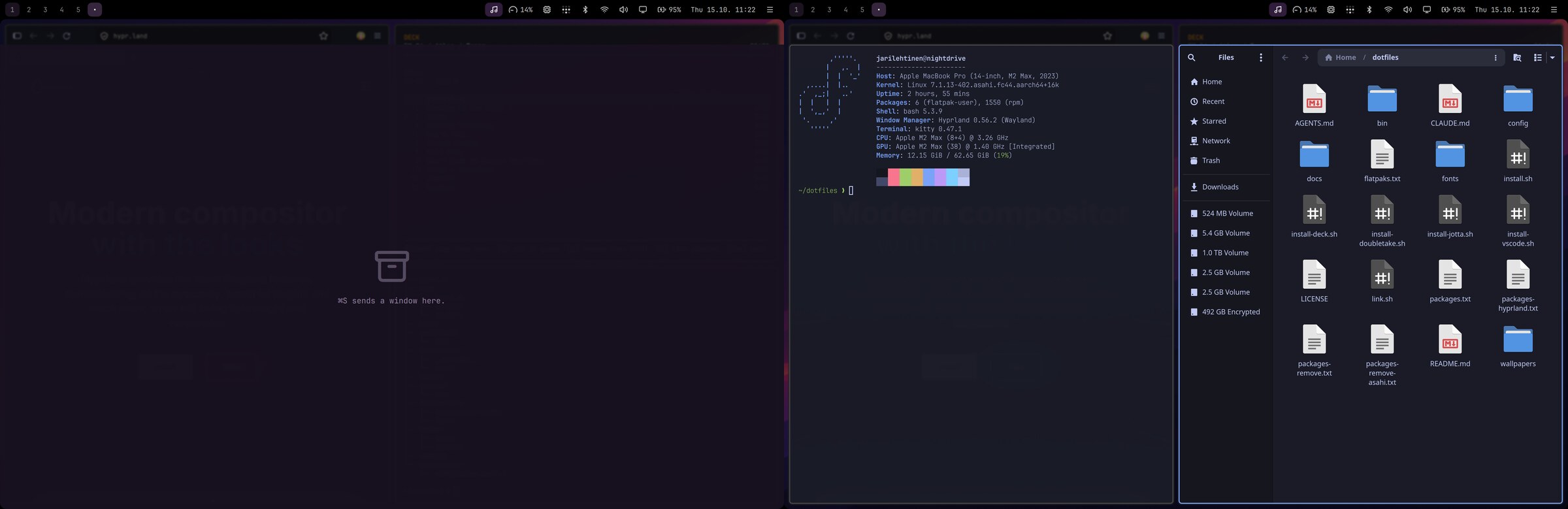
Drag a file to the top edge to park it, then drag it into another app.
Hold F5 (or Fn on a Mac), speak, let go. Runs offline on your machine with Parakeet.
Mirror to an Apple TV or AirPlay TV, with sound, from the display menu.
A synthwave sunset, a falling-character rain and a big sliding clock, drawn right in the terminal.
Turn any site into an app window. WhatsApp, Slack and YouTube are ready-made.
Optional parts stay out of sight until you install them. Then they just show up.
GET STARTED
Nightdrive installs on top of a fresh, minimal Fedora 44 in a few minutes. Run one command: the installer sets up the whole desktop, Claude Code, Tailscale, Mail, Contacts, Deck and Ferry included. You can read the script first, or install by hand.
x86_64
NVIDIA, AMD or Intel graphics, with a minimal Fedora 44.
Apple Silicon
M1 or M2 series, with Fedora Asahi Remix 44 Minimal.
**** NIGHTDRIVE 64 BASIC V2 ****
64K RAM SYSTEM 38911 BASIC BYTES FREE
READY.
10 curl -fsSL https://nightdrive.sh/install | bash
RUN