Full Desktop Takeover · CRT Shaders · Classic Themes · Retro Dock · Retro TV. 20 shaders are free, Pro is a one-time purchase. No system files touched, no SIP to disable.
Special
Out now: How to turn your mac into a retro machine.
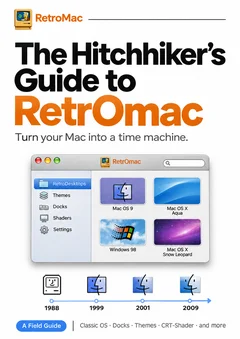
The Hitchhiker's Guide to RetroMac A field guide to classic desktops, docks, CRT shaders and a safe trip back to the present.
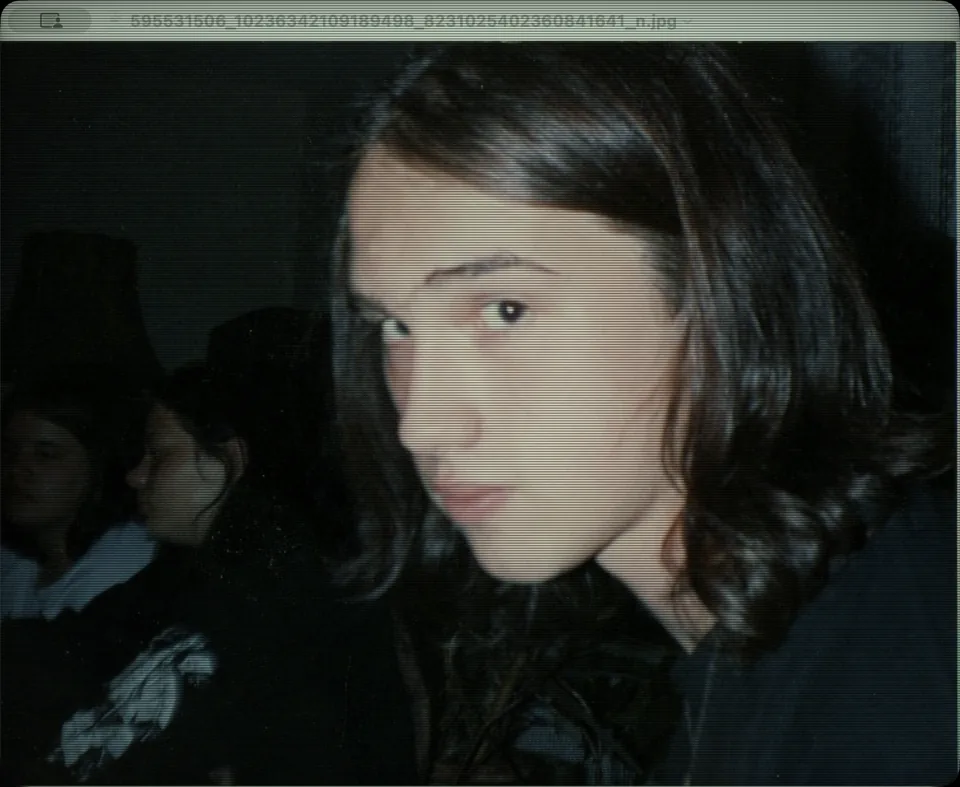
30+ live shaders - CRT, VHS, LCD, Trinitron, amber terminal - on your whole screen, one display or a single window.
Classic Themes
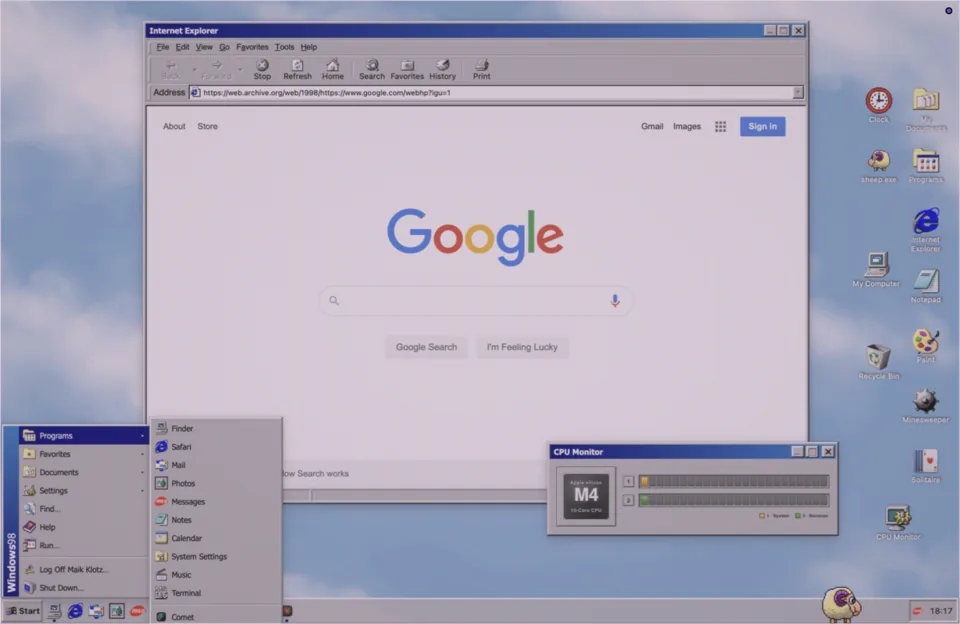
Windows 98, XP, NT 4.0, Mac OS 9, Mac OS X, BeOS, Snow Leopard and more. Period-correct desktops, icons, chrome and cursors.
Retro Dock
Replace or extend the macOS dock. Mac OS 9 Control Strip, XP Taskbar, or Maik's Favourite with Pac-Man patrolling the icons.
Boot Screens & Screensavers
Real .saver modules and boot splashes per theme. 3D Pipes, Flying Toasters, Flurry - the whole 90s energy.
Desktop Widgets & Classic Surfaces
Clocks, CPU monitors, notepads, Program Manager and Deskbar-style shells. Small pieces of the past on your modern desktop.
Retro TV & Tube Mode
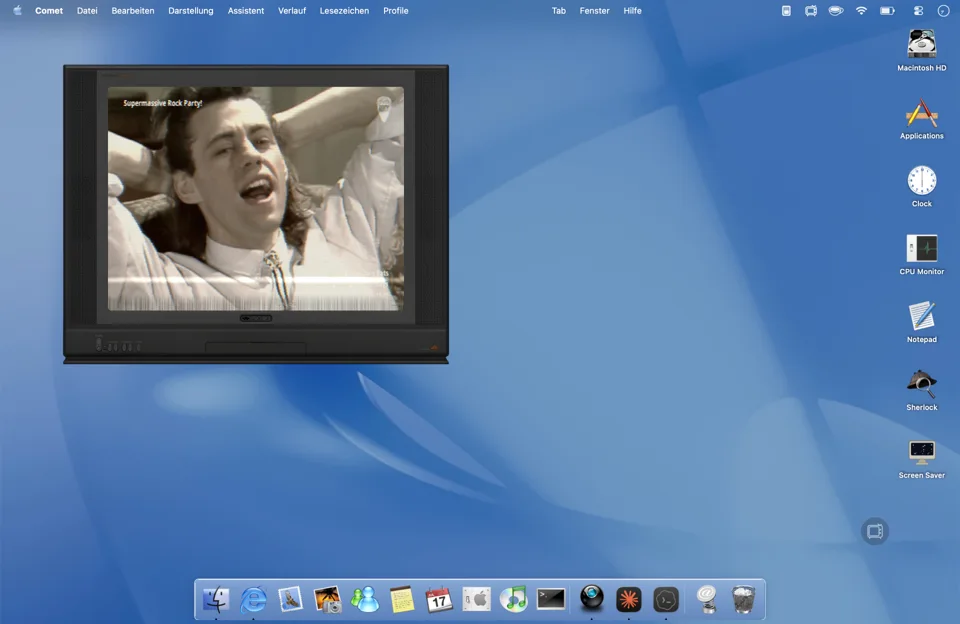
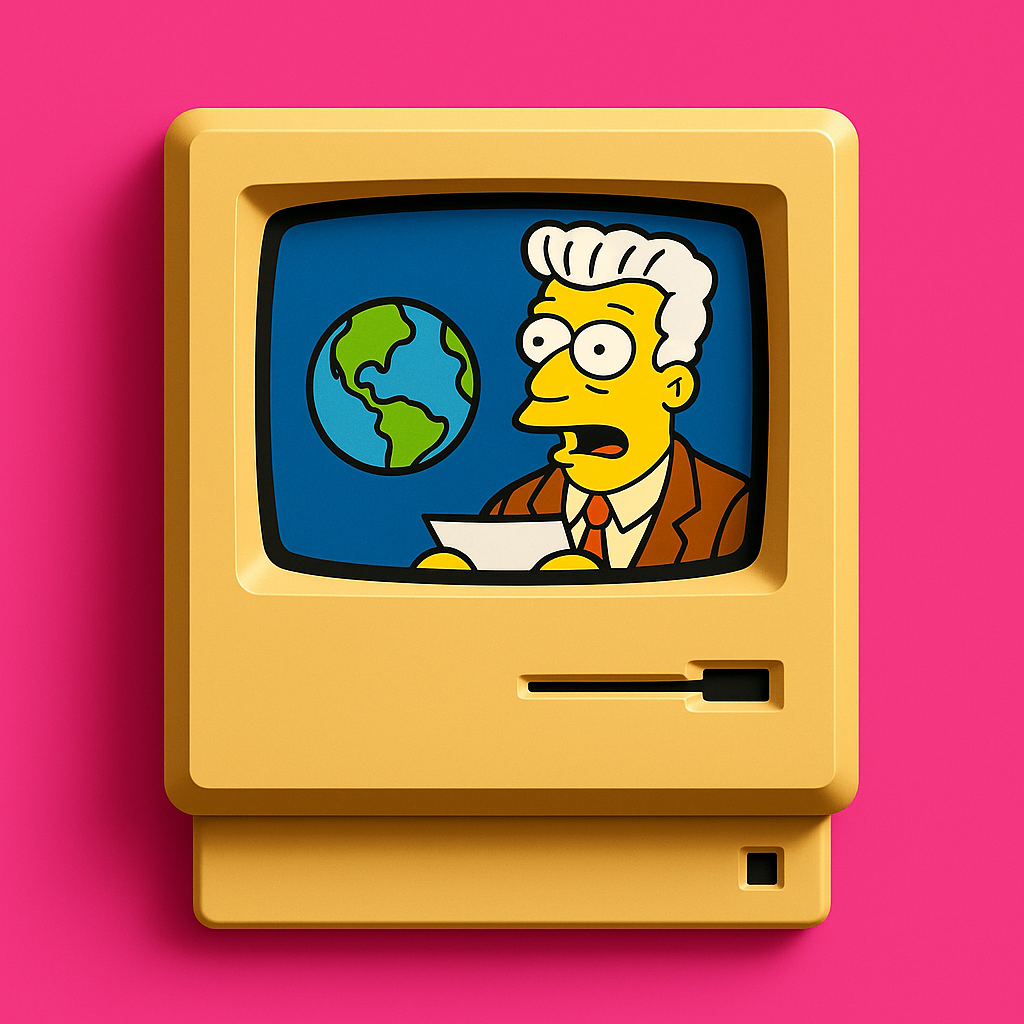
Turn any web or M3U stream into a retro TV window. Themed bezels, per-channel shaders, immersive fullscreen.
Launcher, Menu Bar & Hotkeys
Menu bar app with floating launcher, quick-access flyout and hotkeys for every mode. Stays out of the way until you need it.
Safe & Reversible
Health Check, wallpaper restore, dock restore. Your Mac is always one click away from its normal self.
Retro Game Library
Shareware classics and emulated favorites - DOOM, Quake, Commander Keen, Wolfenstein 3D and more, each pre-matched with the right CRT filter.
Retro Glitches & Crashes
Harmless, random emulated system moments - a blue screen here, a kernel panic there. Pure nostalgia, zero actual crashes.
Historical Sounds
Keyboard clicks, hard-drive seeks and fan sounds that belong to each theme. Optional, and only as loud as you want them.
BIOS & CMOS Setup
The Windows themes start with AMIBIOS, Award or Phoenix-Award firmware, counting this Mac’s real memory. Press DEL (the ⌫ key) during POST to enter CMOS setup.
newYour theme. Your Spaces. Apply your retro theme only to the Spaces you choose. The others stay regular macOS, so you can switch between past and present.
newRescue Desktop One shortcut, ⌃⌥⌘R, turns everything off and brings lost windows back, even across all Spaces.
newHistorical Icon Packs Bring the look of classic desktops to your icons with historical icon packs. Small details, a familiar feeling.
newThe Built-in App Loader Load additional, optional apps right from RetroMac. Pick the extras you want to round out your retro setup.
newHistorical Sounds Keyboard clicks, hard-drive seeks and fan sounds from the computers of the era. Optional, and only as loud as you want them.
newEnterable BIOS Before a Windows theme boots, step into an AMIBIOS, Award or Phoenix-style CMOS setup. The POST counts your Mac’s real memory. Press DEL (the ⌫ key) during POST to open CMOS setup.
Mac OS 9 shipped in October 1999 and got a funeral on stage three years later. Version 2.8.6 rebuilds it properly: the Control Strip, an app launcher in the menu bar, platinum chrome. Plus real title bars for your own apps, now out of beta, and Live Wallpaper Plus.
New shaders every month. Get them first, plus a free wallpaper pack.
What people wrote
From r/macapps and e-mails I got
Wow. Just wow. Love the idea and the styles… Back 2 the future!
u/Ok_Improvement5621, reddit
damm... feel like very old. like a adult in Crayon Shin-chan: The Storm Called: The Adult Empire Strikes Back. without further ado, SHUT UP TAKE MY MONEY!
Woosuk Park, user
Absolutely love the shaders on this app, it's excellent and couldn't have come better. Bought and paid to support further development.
u/North-Active-6731, reddit
Well worth investing in. The application provides a visual change that doesn't break the security below. Can't wait to see refinement to shaders. Impressive work
paul eric lagace, user
Wow it's almost like you reimplemented the dock. I've never seen that done before.
u/OhSirrah, reddit
Love RetroMac, brings back memories of vintage Mac OS days gone by and the virtual camera effects are super cool for creating content. Not to mention playing some old video games like Doom and Duke Nukem.
Mac Sound Solutions inc., user
Nice one! Windows XP looks hilarious on my MacBook.
I built RetroMac because I missed the warm CRT glow of the computers I grew up with. It started as a weekend hack just for me and quietly turned into the thing on this page.
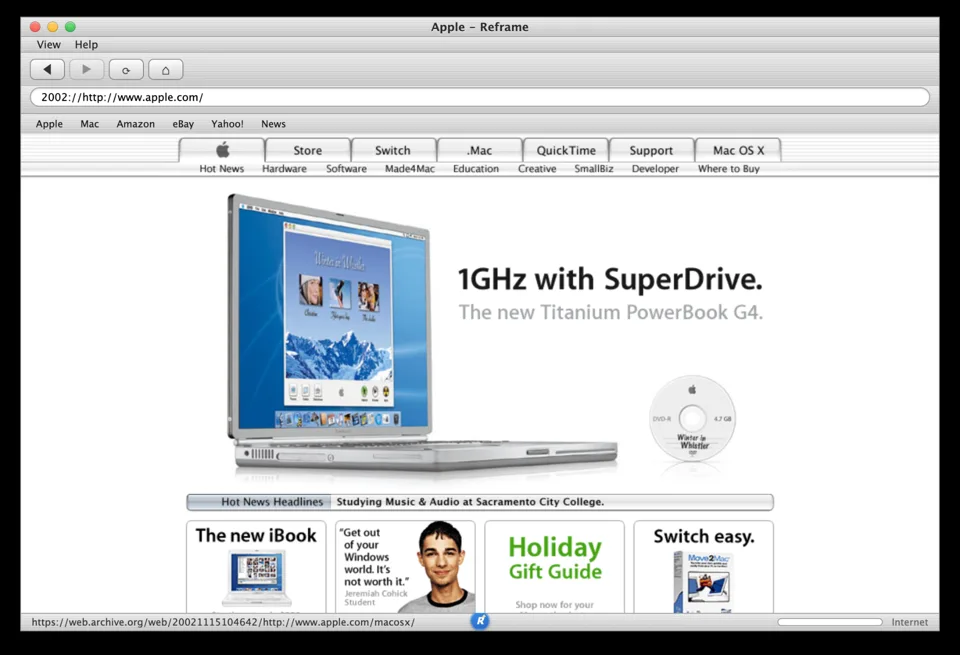
I also make Reframe, a free browser with the chrome of 1999. RetroMac is free; Pro is a one-time payment. No VC, no subscription, no roadmap meetings.
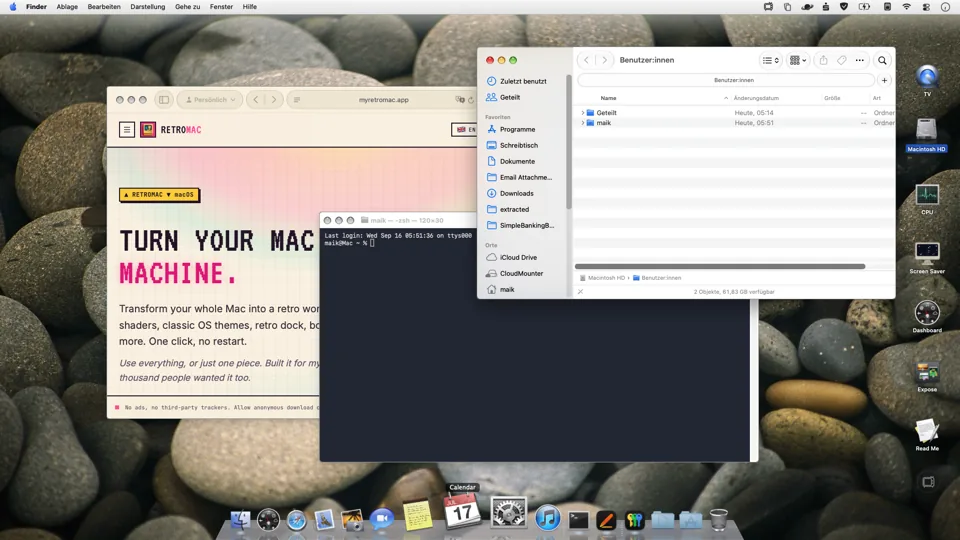
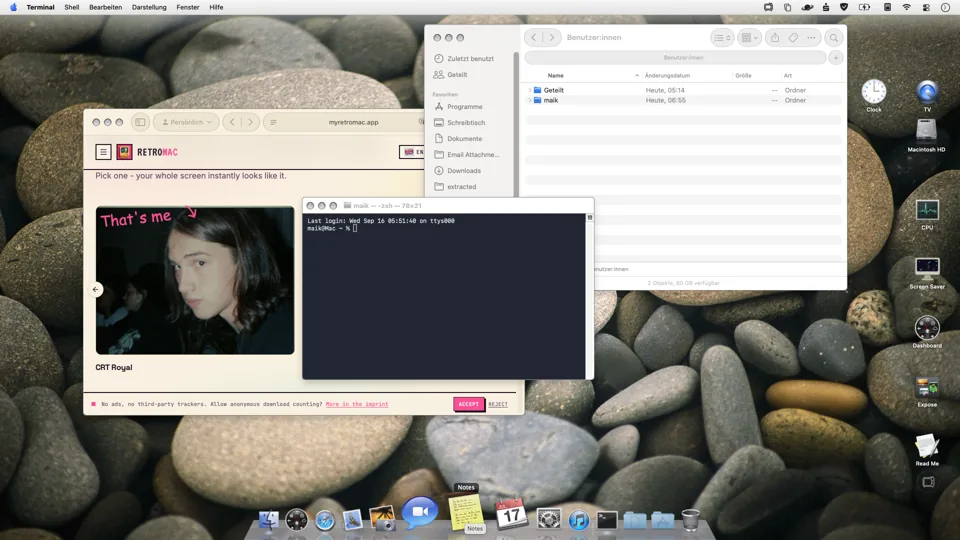
RetroMac is a small macOS menu bar app that paints a live retro look on top of your screen. One click swaps between CRT, VHS, LCD and full classic-OS themes like Windows 98 or Mac OS 9. It's a one-time purchase, no subscription, and runs entirely on your Mac.