Block any app
Pick any app, like Instagram or YouTube, and it disappears from your phone.
Beeswax
Beeswax blocks web browsers, newly installed apps and any app you pick until you enter your lock code. Give the code to someone you trust, or put it somewhere inconvenient.
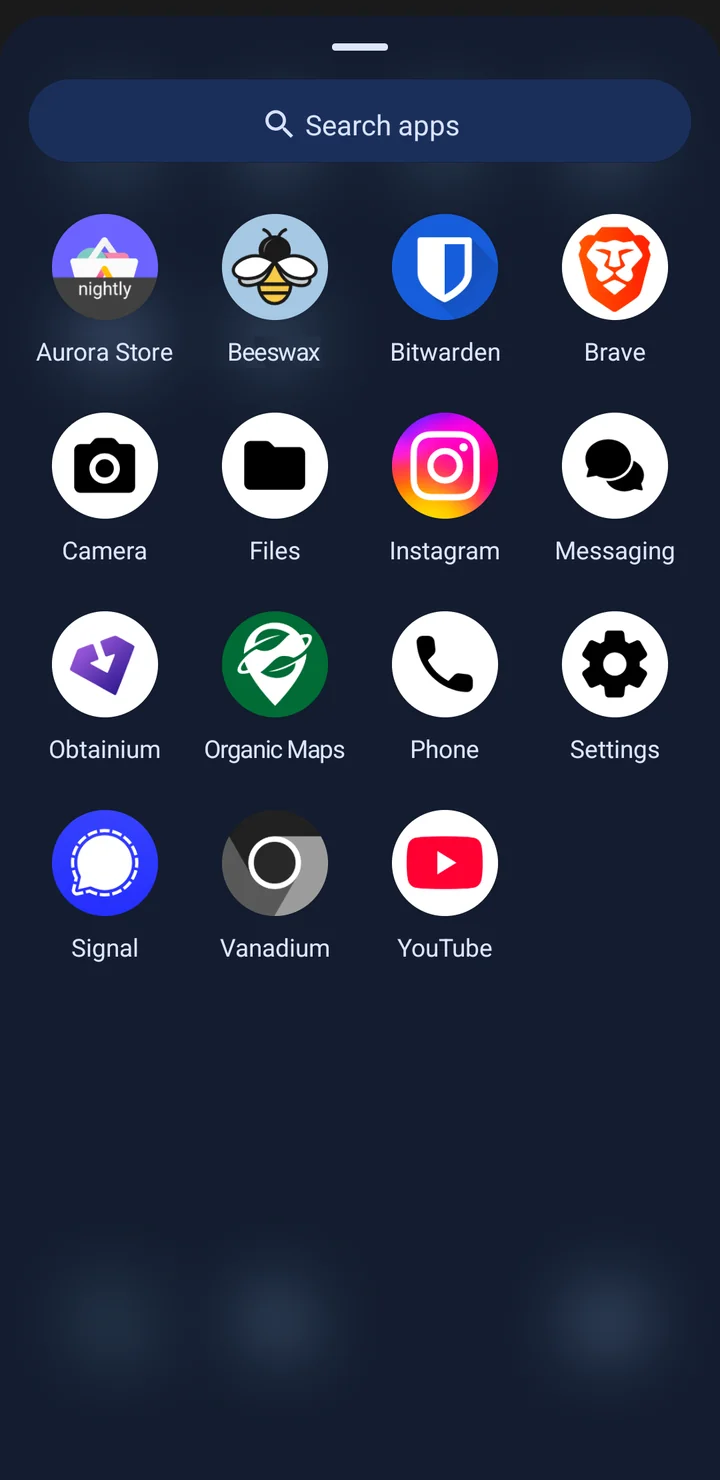
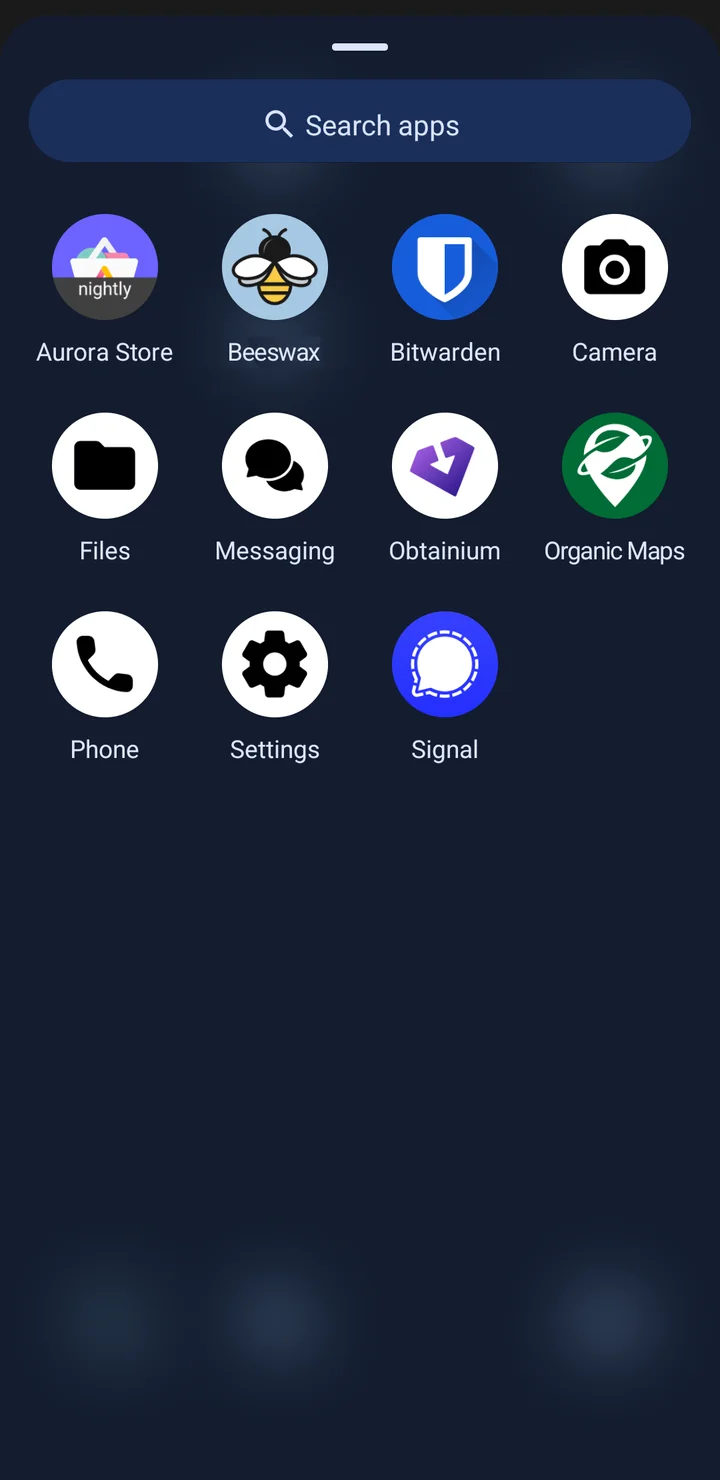
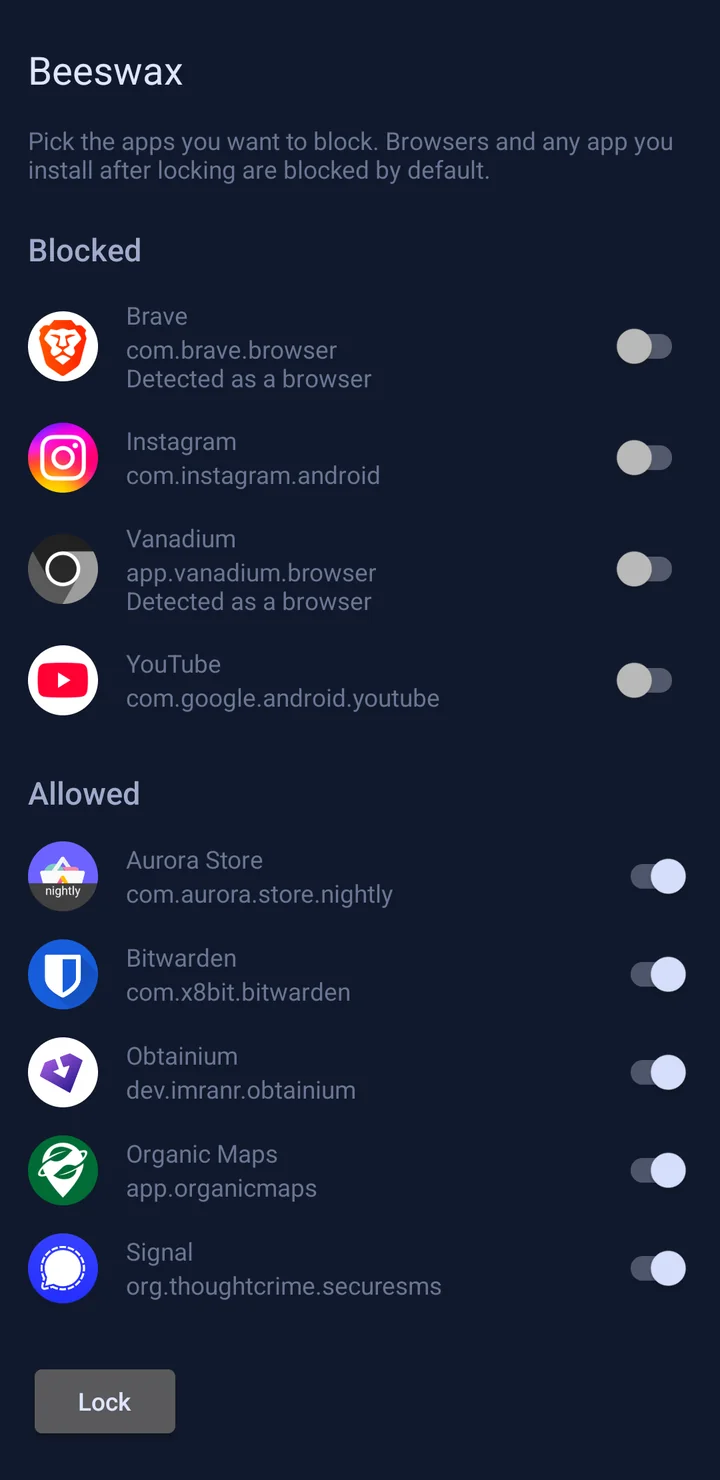
Pick what to block
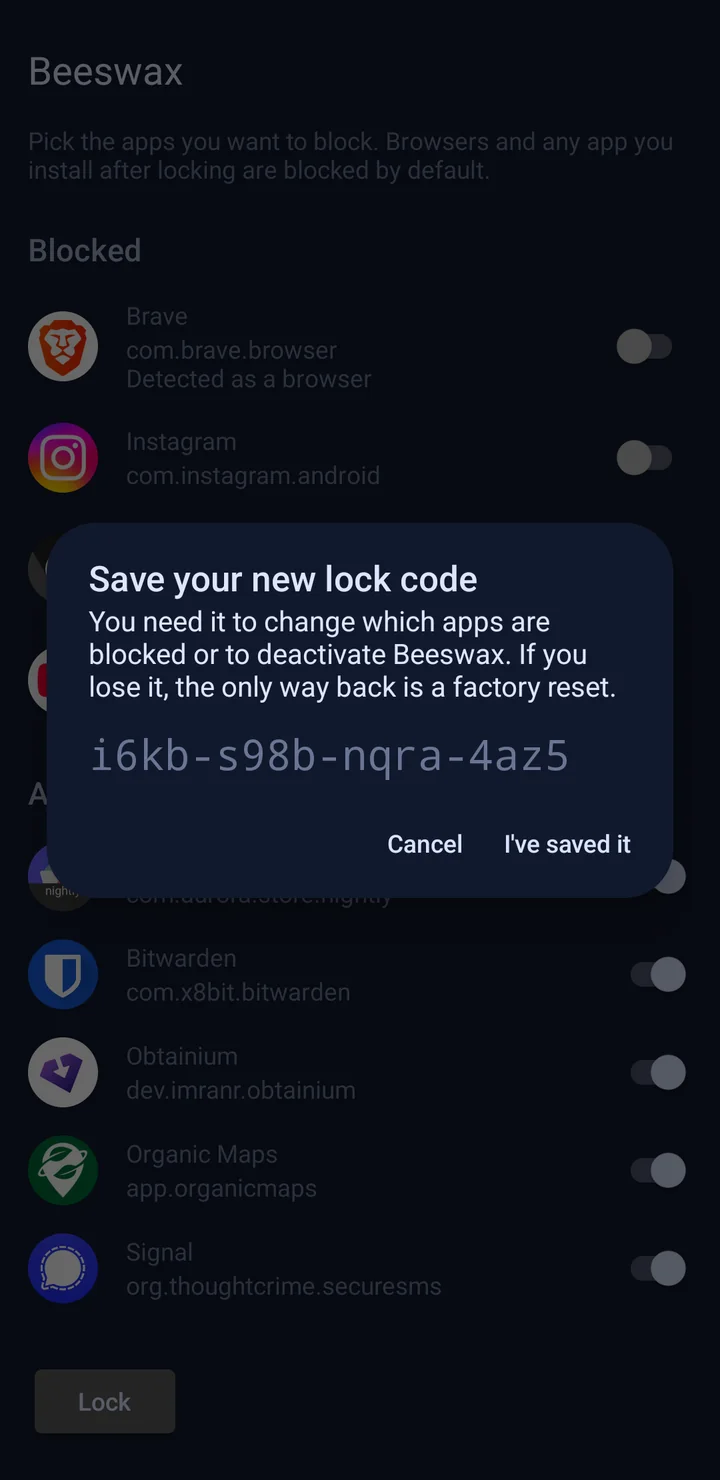
Save your lock code
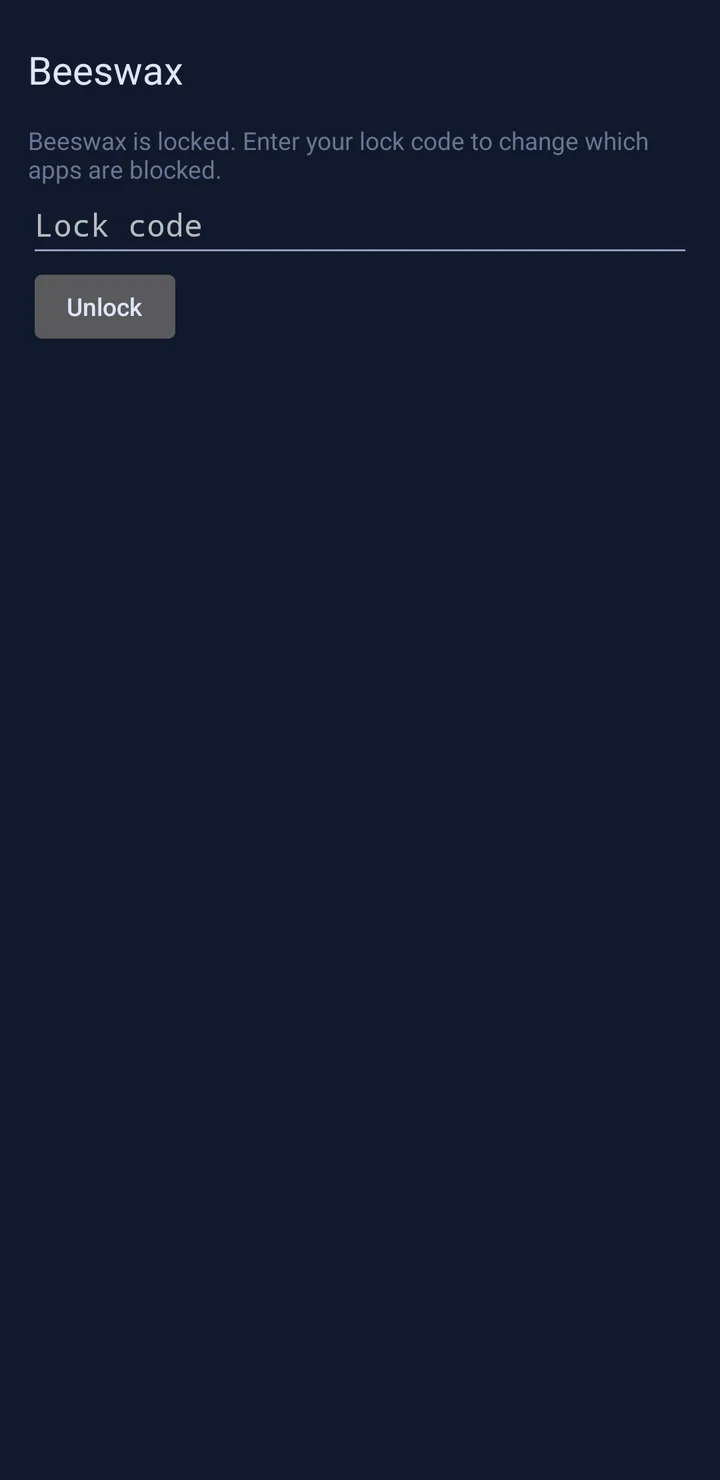
Lock it
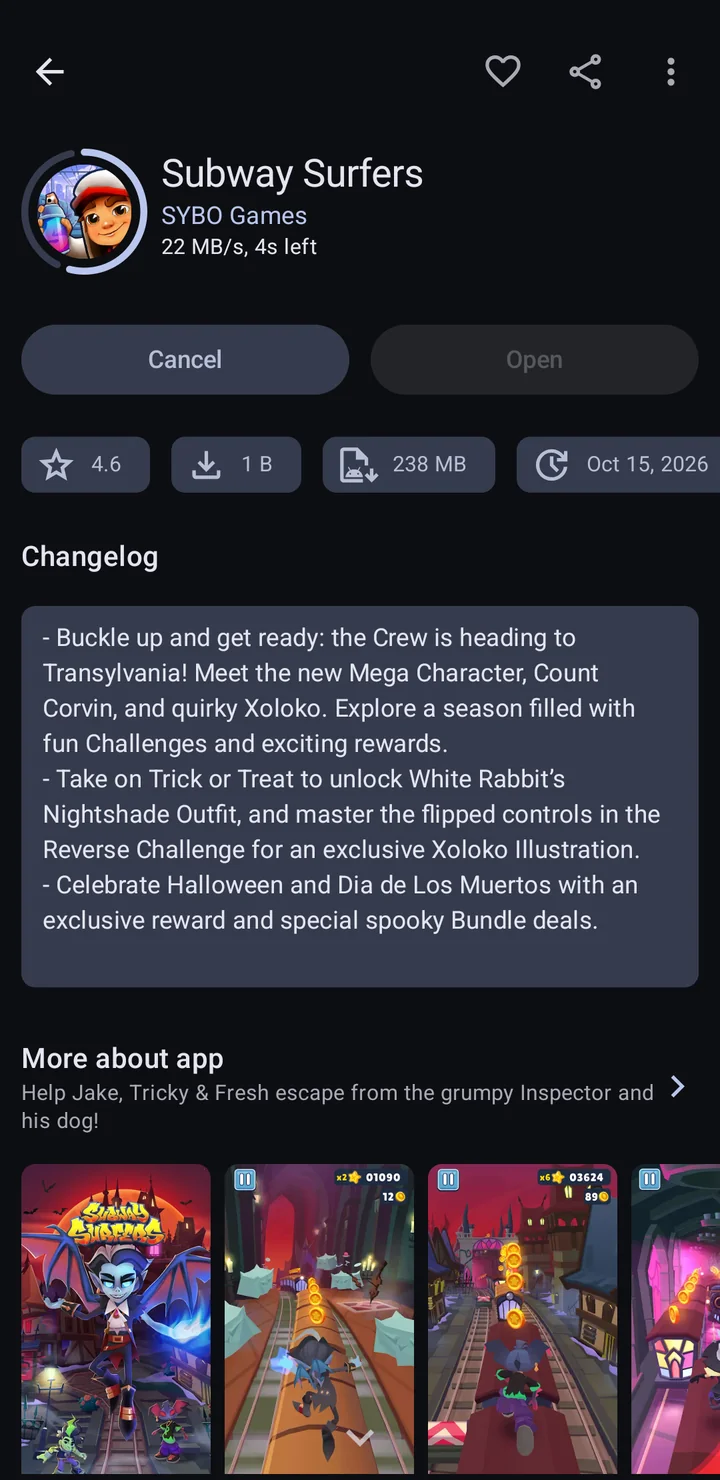
Later, you install a game
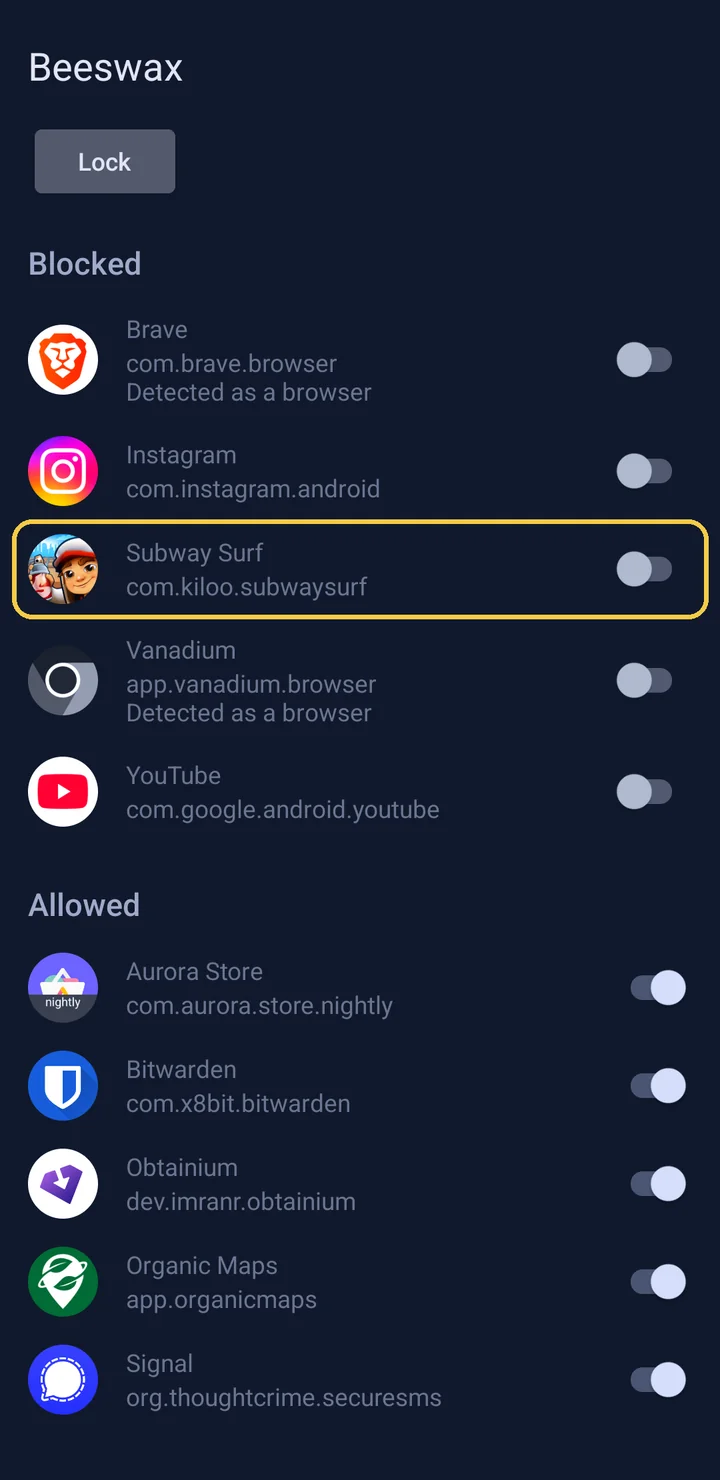
It's blocked until you enter your code
Pick any app, like Instagram or YouTube, and it disappears from your phone.
Block any browser, even the built-in one that can't be uninstalled.
Every app you install after locking is blocked to prevent bypassing.
Access requires the lock code, a factory reset, or a recovery wait you enabled beforehand.
Beeswax collects and shares no personal data.
You'll need ADB on a computer or on the phone itself, and no accounts or users on the phone while you set the device owner.
Install Beeswax and make it device owner with one ADB command.
Lock Beeswax and keep the lock code somewhere you can't easily reach.
Use the code whenever you want to change which apps are blocked.
Beeswax supports Android 13 and newer and uses standard Android APIs.
You need ADB during setup. You can use a computer with wireless debugging, USB debugging, or on your phone directly with Termux. Android only lets Beeswax manage a phone with no accounts, no other user profiles and no Private Spaces, so you remove those first.
To prevent losing access while preserving a strong lock, Beeswax offers a Lost code recovery feature that you can configure to reset your lock code after requesting to reset and waiting the configured amount of time.
Without your lock code, you can't access new apps you install and can't access apps you've blocked. You can still export all your data and access the apps you already have.
Enter your lock code, tap Unlock, then tap Deactivate and confirm.
Verify your download with an app verifier:
org.getflourish.beeswax
F5:37:A3:91:23:40:95:AC:42:53:85:D4:9E:B0:AA:43:C8:ED:84:4D:FC:84:15:F2:1C:C4:BF:63:52:86:34:54